








Academetrica Quali Is Now Available for Trial Access
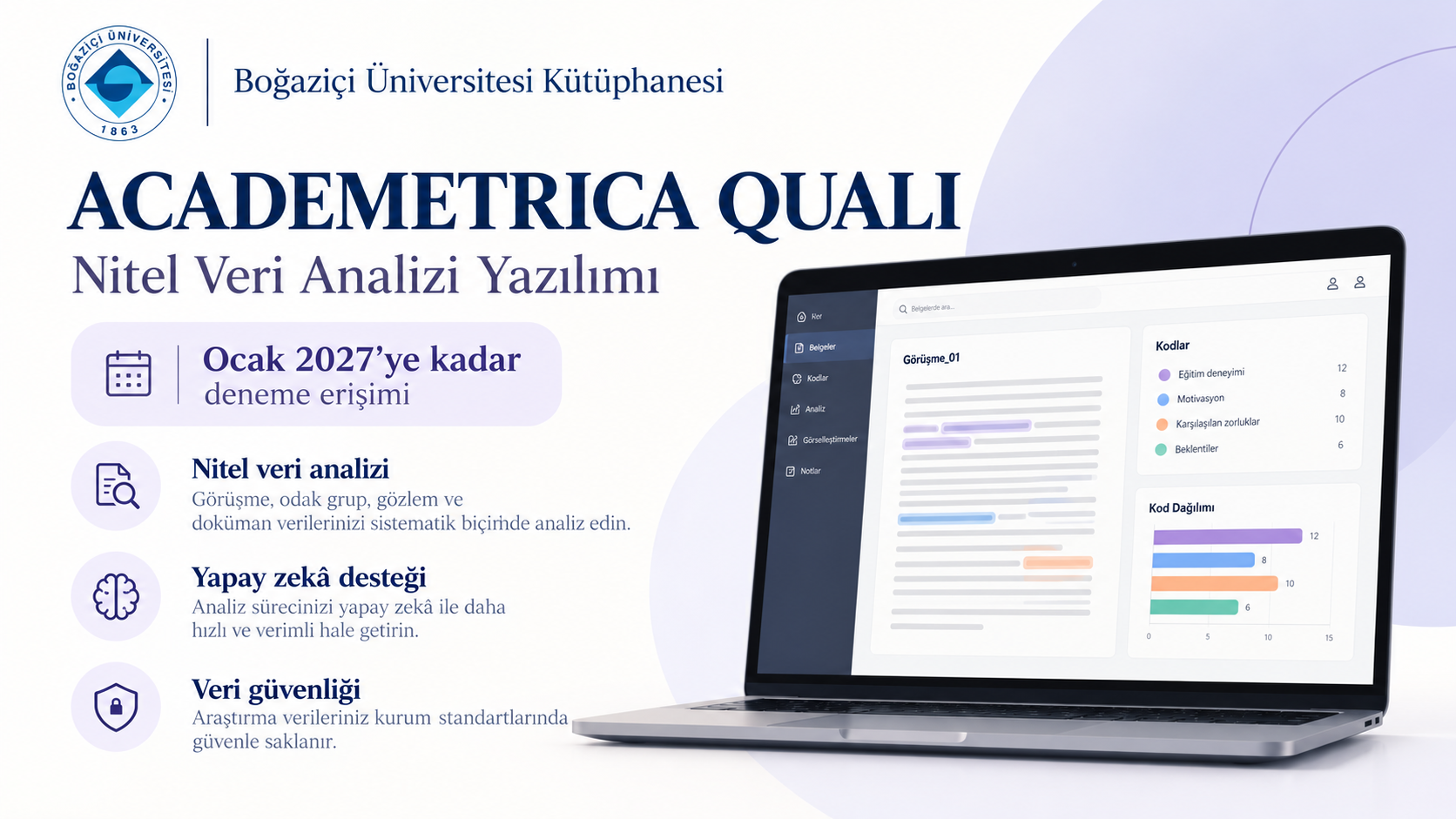
Academetrica Quali Trial Access
Trial Access is Open Until January 2027To facilitate the qualitative research processes of our Boğaziçi University researchers, trial access to the domestic qualitative data analysis software Academetrica Quali has been opened.
What is Academetrica Quali?
Academetrica Quali is a comprehensive qualitative data analysis software that enables the analysis of interviews, focus group discussions, observation notes, documents, and other textual data. With three different artificial intelligence modules, Quali ensures that research data never leaves the user's computer; thus, you can safely benefit from the most modern tools in compliance with Ethics Committee permissions.
Where Can I Download the Software?
The Academetrica Quali desktop application can be downloaded for Windows, MacOS, and Linux operating systems from www.academetrica.com.
After the installation is complete, you must create a user account and log in to the system. Then, you can activate your institutional account within the application using your university email (@bogazici.edu.tr / @boun.edu.tr). For detailed explanations, you can review the guides in the system or watch the training video directly.
⚠️ Security and Installation Note
During the installation phase of the application, you may encounter a protection warning due to your operating system's standard security policies (e.g. Windows SmartScreen). This software has been tested by our library and is completely safe and does not pose any risk to your device.
To complete the installation successfully, follow the steps below:
- When you run the installation file, click on the "More info" text on the blue warning screen that appears.
- Then, click the "Run anyway" button that will appear in the lower right corner of the screen to safely continue the installation.
Training and Support
Academetrica Quali offers a high level of ease of use thanks to its simple and understandable interface. You can access the guides and supporting links prepared for our researchers who will be using the software for the first time below:
- Desktop Software: Click to Download the Software
- Training Channel: Click for YouTube Training Content
- Documentation: Click to Review the Sample Report
- Technical Support Questions/Comments: support@academetrica.com
