
Academetrica Quali Is Now Available for Trial Access
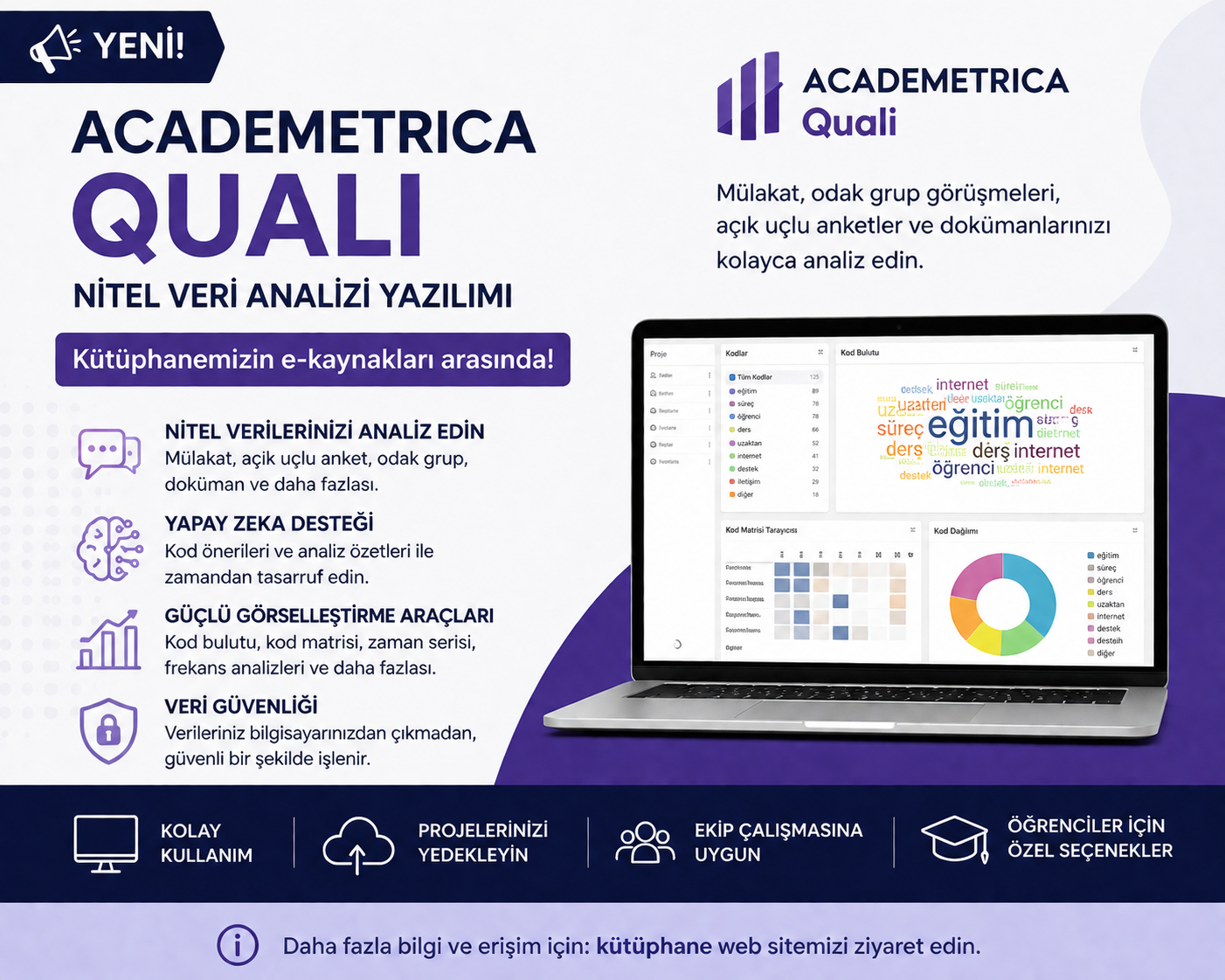
Academetrica Quali Trial Access for Boğaziçi University Researchers
To support the qualitative research activities of Boğaziçi University researchers, the Academetrica Quali qualitative data analysis software has been made available on a trial basis until January 2027.
What is Academetrica Quali?
Academetrica Quali is a comprehensive qualitative data analysis software designed to analyze interviews, focus group discussions, observation notes, documents, and other textual data.
Featuring three different artificial intelligence modules, Quali enables researchers to benefit from modern AI-powered analysis tools while ensuring that research data remains on the user's computer. This approach helps maintain compliance with institutional ethics committee requirements and data security standards.
How Can I Download the Software?
The Academetrica Quali desktop application is available for Windows, macOS, and Linux and can be downloaded from www.academetrica.com.
After installing the application:
- Create a user account and sign in.
- Activate your institutional account using your Boğaziçi University email address within the application.
For detailed instructions, please refer to the attached user guide or watch the instructional video.
Training and Support
Academetrica Quali offers a simple and intuitive user interface, making it easy to learn and use compared to many other qualitative analysis tools.
For first-time users, the following resources are available:
- User Guide
- Video Tutorials
- Online Training Materials
Download the Software
Click here to download Academetrica Quali.
Installation Notice
To use the Academetrica Quali trial provided by the University Library, you must first install the desktop application.
During installation, your operating system's standard security features (such as Windows SmartScreen) may display a security warning.
The application has been tested by the University Library and is considered safe to install. If you encounter the SmartScreen warning, please follow these steps:
- Click More info on the blue Windows SmartScreen warning screen.
- Click Run anyway to continue the installation safely.
If you have any questions or need assistance with the installation, please contact the University Library.
Additional Resources
- Click here for YouTube training videos.
- Click here to view a sample report.
For further information and technical support:
support@academetrica.com